AI character apps have exploded in popularity over the last couple of years, and Flipped Chat is one of the names that keeps coming up. If you’ve seen it mentioned on the App Store, in a Reddit thread, or in a social media ad, you’re probably wondering what it actually does and whether it’s worth your time. This guide breaks down everything you need to know about Flipped Chat, from its core features to its pricing structure, so you can decide if it fits what you’re looking for.
Flipped Chat is an AI-powered entertainment app built around lifelike character conversations. Instead of a generic chatbot, it lets you talk with AI personalities that have their own backstories, voices, and personality traits. Whether you want casual conversation, creative roleplay, or a custom character you design yourself, Flipped Chat positions itself as a flexible platform for that kind of interaction.
What Is Flipped Chat?
Flipped Chat is developed by Singapore Desert Oasis Technical PTE. Limited and is available as a mobile app and through a web platform. The mobile version is designed primarily for iPhone, though a broader rollout exists across app stores, and it carries an 18+ age rating due to the mature themes some conversations can involve. On the App Store, it has picked up thousands of ratings with a strong average score, which suggests a large and active user base.
The app fits into a growing category sometimes called AI companion apps or AI character chat apps. These platforms combine natural language processing with persistent character profiles, so conversations feel continuous rather than starting from scratch every time. Flipped Chat leans into this by letting users pick from a library of pre-made characters or build their own from the ground up, complete with a name, personality, and origin story.
Key Features of Flipped Chat
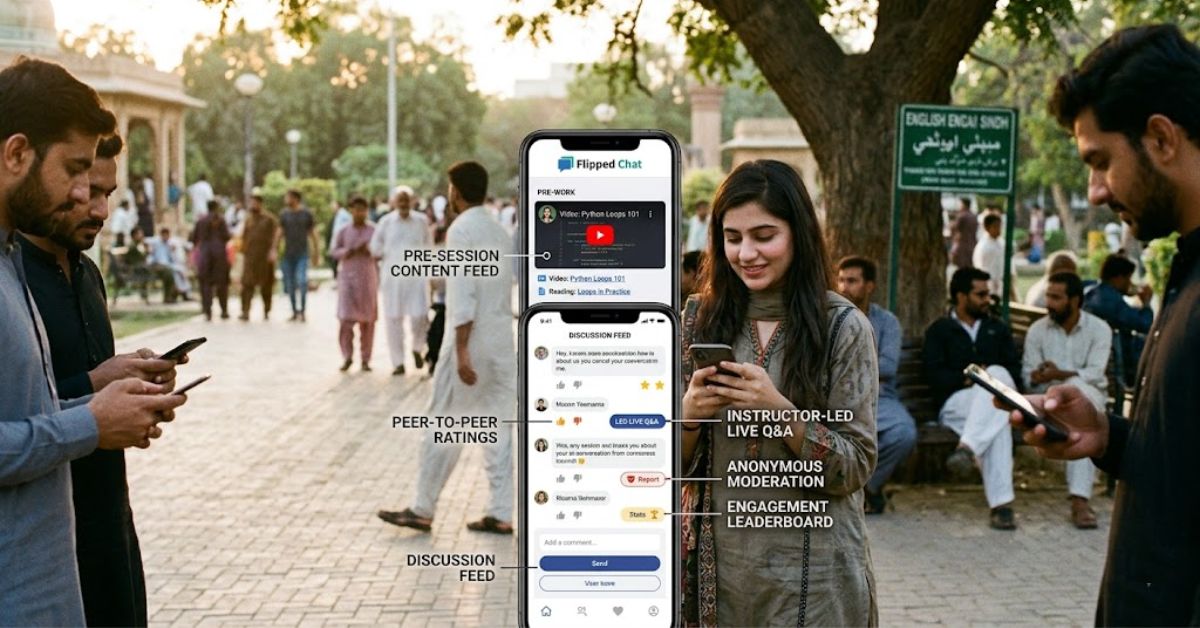
Flipped Chat’s feature set is built around making AI conversations feel less robotic and more personal. The core experience revolves around text-based chat, but the app layers in several extras that push it beyond a basic chatbot.
The main features include:
- Interactive chat with distinct AI personalities for dynamic storytelling or casual conversation
- Voice and video calls for a more real-time, personal connection
- Character creation tools to design custom AI characters with unique backstories and traits
- AI image generation to visualize characters or create stylized versions of yourself
Character creation is arguably the standout feature. Rather than settling for a stock personality, you can build an original character with a defined tone, history, and way of speaking. This matters because a well-defined character tends to produce more consistent, believable responses over long conversations, while a vague one often leads to generic or repetitive replies.
Voice and video functionality adds another layer on top of text chat. Real-time voice calls let you hear a character “speak,” and generated video content adds visual depth to the interaction. These features typically require a higher-tier plan, since they demand more processing power than standard text responses.
How to Get Started With Flipped Chat
Setting up Flipped Chat is straightforward, and most users can be chatting with an AI character within a few minutes. Here’s a simple walkthrough for first-time users.
- Download the app from the Apple App Store or Google Play Store, or visit the Flipped Chat website for the browser version.
- Create an account using an email address or a supported login option.
- Browse the character library or start building a custom character from scratch.
- Set your character’s name, personality traits, and backstory if creating your own.
- Start chatting, and explore voice, video, or image features as needed.
Once you’re set up, the app typically walks new users through a short onboarding flow that highlights key features like character switching and in-app currency.
Flipped Chat Pricing and Monetization
Flipped Chat follows a freemium model, meaning the core app is free to download and use, but many advanced features sit behind a paywall. Free users can access basic messaging and a limited character selection, while ads may appear periodically during use.
Paying users unlock a noticeably different experience. Subscriptions or in-app currency, often called coins or gems, remove ads, raise messaging limits, and unlock higher-tier AI responses along with voice, video, and image generation. This structure is common across the AI companion app space, so it’s worth understanding before you commit money.
| Feature | Free Tier | Paid Tier |
|---|---|---|
| Basic text chat | Yes | Yes |
| Ads | Yes | No |
| Messaging limits | Restricted | Expanded or unlimited |
| Higher-tier AI responses | No | Yes |
| Voice and video calls | Limited or none | Yes |
| AI image generation | Limited | Expanded |
Because pricing tiers and coin costs can change over time, it’s a good idea to check the current in-app pricing before subscribing, especially since some users have reported changes to what was previously included in older subscription plans.
Flipped Chat vs Similar AI Character Apps
Flipped Chat isn’t the only option in this space, and comparing it to alternatives helps put its strengths and limitations into context. The table below highlights how it stacks up against two other common categories of AI character apps.
| Category | Flipped Chat | General AI Chatbots | Niche Roleplay Apps |
|---|---|---|---|
| Custom character creation | Strong | Limited | Strong |
| Voice and video calls | Yes (paid) | Rare | Sometimes |
| Image generation | Yes | Rare | Sometimes |
| Free tier available | Yes | Usually | Varies |
| Mature content options | Yes, 18+ | No | Varies |
The biggest differentiator for Flipped Chat is the combination of character creation, voice, video, and image tools in one app, rather than requiring separate tools for each. General-purpose chatbots tend to be more limited on personality customization, while niche roleplay apps vary widely in feature depth.
Is Flipped Chat Safe to Use?
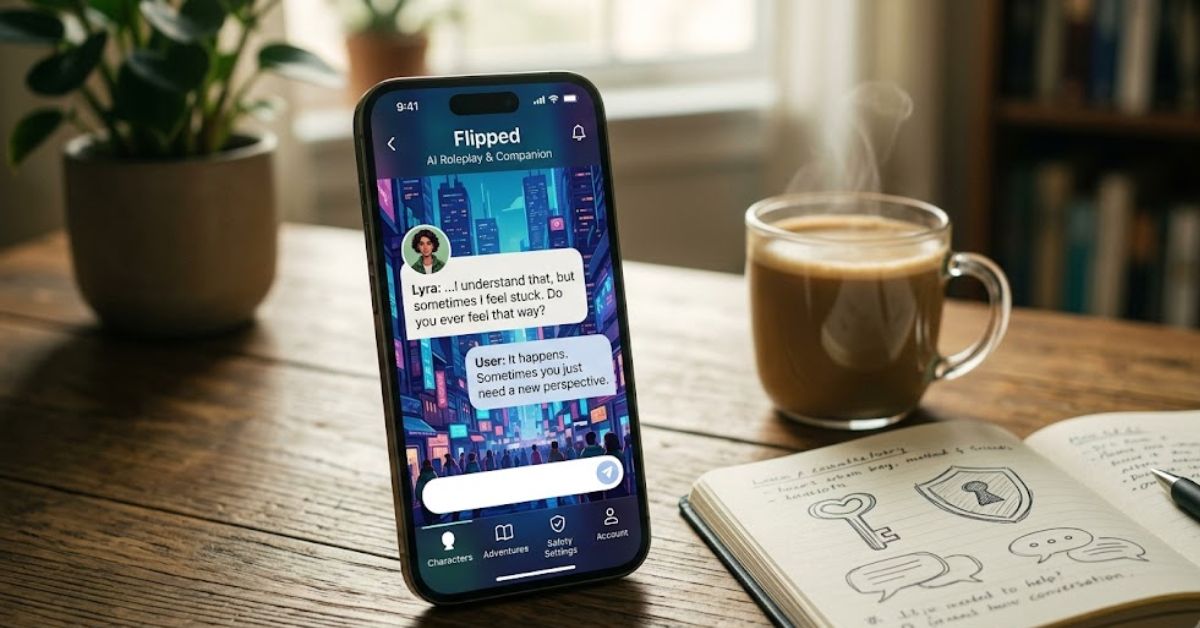
Safety is a fair question for any app that collects personal conversations and account data. Flipped Chat requires standard account information to sign up, and like most apps in this category, it uses in-app purchases tied to a payment method, so it’s worth reviewing the app’s privacy policy before sharing sensitive details.
The app carries an 18+ age rating, which reflects the mature and romantic themes some conversations can take. This makes it unsuitable for minors, and parents should be aware that content filters and account controls are limited compared to general-audience apps. If privacy or content concerns matter to you, reading recent user reviews on the App Store or Google Play before downloading is a smart extra step.
Pros and Cons of Flipped Chat
Weighing the upsides and downsides can help you decide quickly whether Flipped Chat matches your expectations.
Pros:
- Deep character customization options
- Voice, video, and image generation in one app
- Large, active user base with frequent updates
- Free tier available for casual use
Cons:
- Heavy freemium model with paywalled features
- Some users report rising costs over time
- 18+ content means it’s not for all audiences
- Advanced features require ongoing in-app purchases
Conclusion
Flipped Chat stands out in the crowded AI character app space by combining text chat, voice and video calls, custom character creation, and AI image generation into a single platform. The free tier makes it easy to test the basics, while the paid tiers unlock the features that make conversations feel more immersive. If you’re comfortable with a freemium pricing model and the app’s 18+ content rating, Flipped Chat is worth trying to see whether its style of AI character interaction fits what you’re looking for.