If you have ever hit play on a Twitch stream only to get slammed with a 90-second unskippable ad, you already know the frustration that drives people to search for a Twitch Adblock solution. Twitch ads are longer, louder, and more frequent than what you’d find on YouTube or most other streaming platforms, and that has turned ad-blocking into one of the most searched topics in the streaming community.
The tricky part is that Twitch does not serve ads the normal way. Instead of loading them from a separate ad server, Twitch stitches ads directly into the same video stream as the broadcast. That single design choice is why so many ordinary ad blockers fail, and why this guide walks through the methods that genuinely work in 2026, from browser extensions to community scripts to Twitch’s own official fix.
What Is Twitch Adblock and Why Is It So Tricky
Twitch Adblock refers to any tool, script or method used to stop pre-roll and mid-roll ads from playing during live streams or VODs on Twitch. Unlike a typical website, where ads load from a distinct URL that a filter list can simply block, Twitch injects ads into the exact same HLS video stream as the actual broadcast. There is no separate ad request to intercept, which makes traditional blocking approaches far less effective.
This server-side ad insertion, sometimes called SSAI, means the video player cannot easily tell the difference between the stream and the ad. When a basic ad blocker tries to cut the feed anyway, Twitch’s detection system often notices the interruption and throws up an error message, commonly nicknamed the purple screen of death. That single screen has become the biggest obstacle standing between viewers and a clean, ad-free twitch adblock experience.
Why Standard Ad Blockers Fail on Twitch
General-purpose extensions like basic uBlock Origin filter lists or AdBlock Plus were built for banner ads and pre-roll video ads served from third-party domains. Twitch simply does not work that way, which is why:
- Ads and the live stream share one continuous video file
- There is no separate ad server URL to block
- Detection scripts flag sudden playback interruptions
- Mobile apps and smart TVs offer almost no room for extensions at all
Because of these limitations, a real twitch adblock fix needs to either manipulate the video playlist directly or reroute the stream through a proxy, rather than simply blocking a request.
Best Twitch Adblock Browser Extensions
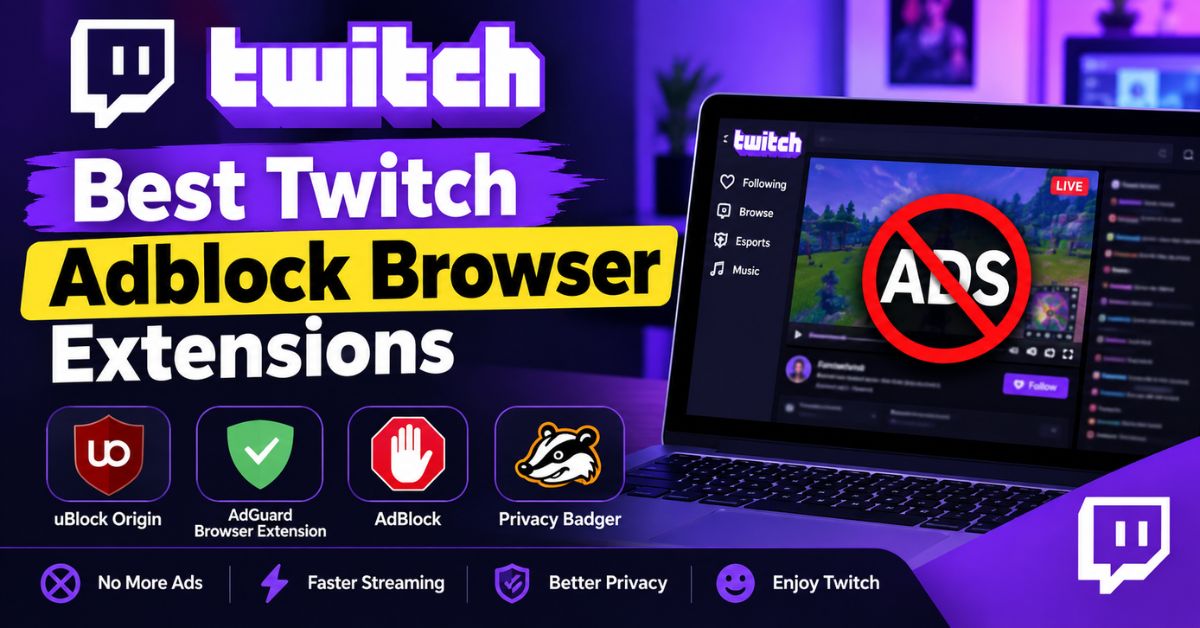
Dedicated extensions remain the easiest entry point for most viewers. They work locally in your browser, require no technical setup, and often drop the stream to 360p or 480p only during the ad, then automatically restore full quality once it ends. That resolution swap is the trick that avoids triggering Twitch’s ad-detection system.
These extensions are actively maintained, install in seconds, and need zero configuration for most users. That said, they are browser-only, meaning they will not help on the Twitch mobile app or a smart TV, and effectiveness can vary slightly by browser version.
Firefox: TTV AB Extension
The TTV AB Extension is a lightweight, highly-rated Firefox add-on built specifically for twitch adblock needs. It works automatically on both live streams and VODs, requiring no manual toggling once installed. Many users prefer it because it stays updated quickly whenever Twitch tweaks its ad delivery system, which keeps the purple screen issue from creeping back in.
Chrome and Edge Options
Chrome and Edge users have a couple of solid, dedicated options to choose from, including:
- Twitch Adblock — a focused extension aimed at stripping video ads cleanly
- Adblocker for Twitch — clears both video ads and on-page banner ads
Both install directly from their respective web stores and run in the background without needing any manual input from you.
The uBlock Origin Script Method for Twitch Adblock
If you already run uBlock Origin for general browsing, you may notice it occasionally lets Twitch ads slip through. That happens because standard filter lists were not designed for stream-stitched ads. The fix is to add a community-maintained script that specifically targets Twitch’s ad-insertion behavior, sourced from the well-known pixeltris/TwitchAdSolutions project on GitHub.
This method takes a few extra minutes compared to installing a dedicated extension, but many users consider it more reliable because it works alongside filters you already trust rather than adding a brand-new extension to your browser.
Step-by-Step Setup
- Click the uBlock Origin icon and open the dashboard (the gear icon)
- Navigate to the My Filters tab
- Paste in the line:
twitch tv##+js(twitch-videoad) - Click Apply Changes
- Restart your browser to let the new filter take effect
For advanced users chasing extra reliability, the GitHub page also documents an “advanced user” toggle and a custom resource location setting, both of which can further reduce ad breakthroughs during heavier traffic periods.
Alternative Players and Apps for Blocking Twitch Ads
Beyond browser extensions, a couple of standalone tools tackle twitch adblock at a different layer entirely. The AdGuard Desktop App, for example, applies system-level filtering rules rather than browser-level ones. Because it works below the browser, it often strips pre-roll and mid-roll ads without tripping the same detection that catches simpler extensions.
Another option is Alternate Player for Twitch.tv, available for both Chrome and Firefox. Instead of patching the default Twitch player, it swaps in a cleaner, lighter interface that natively strips ads while streaming. This can also improve load times on older or lower-powered computers, which is a nice side benefit beyond just the ad-free viewing.
Twitch Adblock Comparison: Which Method Fits You
Different methods suit different comfort levels and devices. Use the table below to match your setup with the right approach.
| Method | Best For | Setup Difficulty | Works On Mobile |
|---|---|---|---|
| TTV AB Extension | Firefox users wanting install-and-forget | Easy | No |
| Chrome/Edge extensions | Quick setup with no scripts | Easy | No |
| uBlock Origin script | Users who want extra reliability | Moderate | No |
| AdGuard Desktop App | System-wide ad blocking | Moderate | No |
| Alternate Player | Lighter, cleaner viewing experience | Easy | No |
| Twitch Turbo | Mobile, smart TV, and console viewers | None (paid) | Yes |
Here’s a quick checklist to help you pick the right route:
- I use Firefox and want zero configuration → TTV AB Extension
- I use Chrome or Edge → Twitch Adblock or Adblocker for Twitch
- I already use uBlock Origin → Add the community script
- I want ads gone everywhere, including other apps → AdGuard Desktop
- I mostly watch on mobile or a smart TV → Twitch Turbo
Twitch Turbo: The Official Ad-Free Alternative
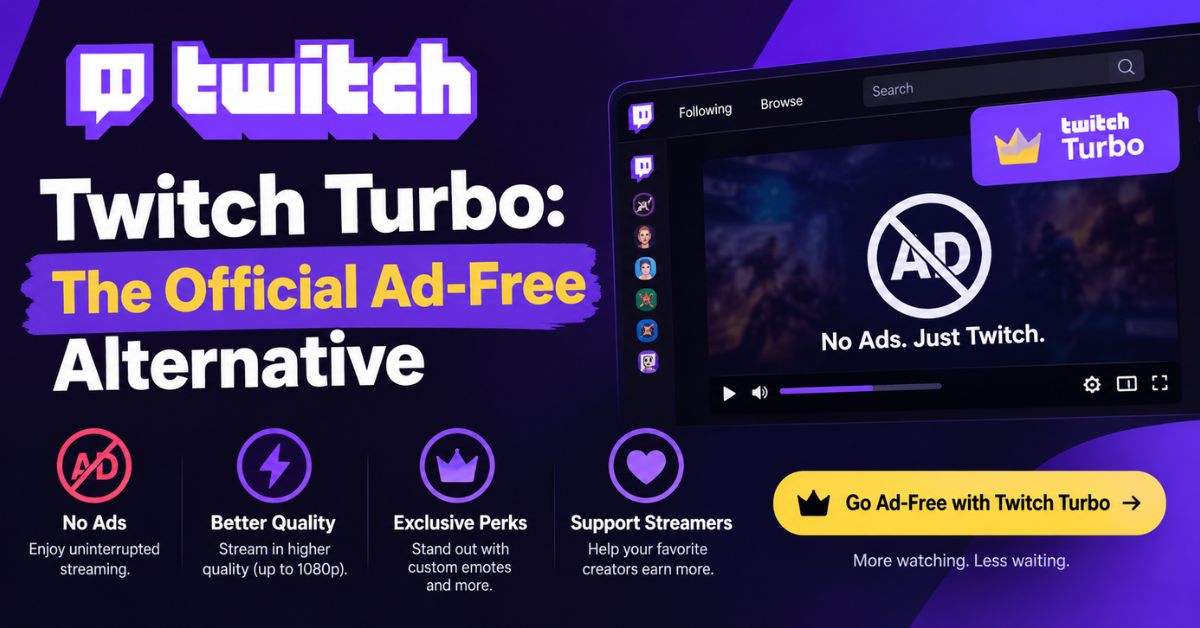
If browser extensions and scripts feel like too much hassle, or you split your viewing between desktop, mobile, and a smart TV, Twitch’s own Turbo subscription solves the problem outright. For $11.99 a month, Turbo removes ads across every platform, including places where twitch adblock extensions simply cannot reach, like the mobile app or a TV streaming box.
Turbo also throws in a few extras beyond ad removal, such as expanded chat identity options and permanent storage for stream highlights. For viewers who stream daily or watch across multiple devices, the monthly cost often works out cheaper than the time spent troubleshooting extensions that occasionally break after a Twitch update.
Is Using Twitch Adblock Safe and Within the Rules
Ad-blocking tools themselves are legal software, and installing a browser extension carries no legal risk in the United States. What matters more practically is reliability: Twitch periodically updates how it detects and delivers ads, which means any given twitch adblock extension or script can stop working for a few hours or days until its maintainers push an update.
To keep things running smoothly, stick to well-reviewed, actively updated tools from official browser stores or established GitHub repositories, and avoid extensions with vague permissions or few reviews. Keeping your chosen method updated is the single best way to avoid both the purple screen error and any unnecessary security risk from outdated code.
Conclusion
Getting a clean, uninterrupted stream on Twitch takes a bit more effort than a typical ad blocker, but it is far from impossible. Whether you go with a dedicated extension like TTV AB, layer a community script onto uBlock Origin, switch to a system-level tool like AdGuard, or simply pay for Twitch Turbo, there is a Twitch Adblock method suited to almost every browser, device, and comfort level. Match the option to how and where you watch, keep it updated, and you’ll spend a lot less time staring at the purple screen and a lot more time actually enjoying the stream.