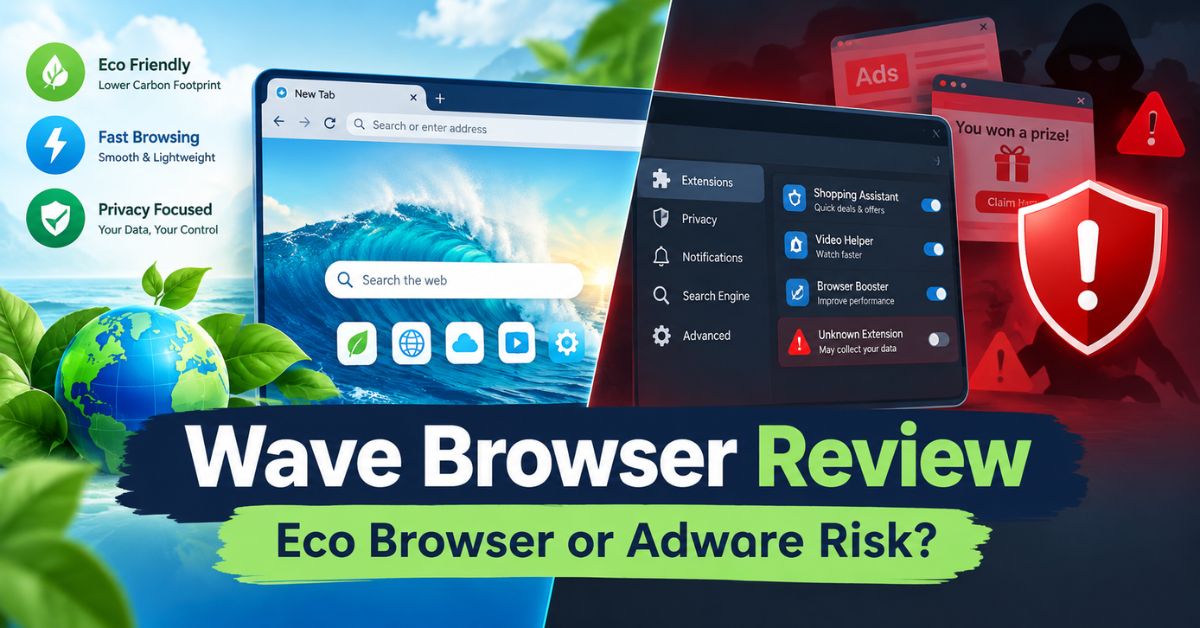
You open your laptop and notice a browser icon you don’t remember installing. It’s called Wave Browser, and it looks a lot like Chrome. That moment of confusion is exactly why so many people search for answers about this software. Wave Browser sits in an unusual spot online—part eco-friendly marketing pitch, part cybersecurity warning. This guide breaks down what Wave Browser actually is, how it works, and what you should do if you find it running on your computer.
We’ll cover the features Wave Browser promotes, the safety concerns raised by security researchers, and a full removal walkthrough for both Windows and Mac. By the end, you’ll know whether to keep it, ignore it, or delete it for good.
What Is Wave Browser?
Wave Browser is a Chromium-based web browser, meaning it’s built on the same open-source engine that powers Google Chrome and Microsoft Edge. Because of this shared foundation, the interface feels instantly familiar. Tabs, bookmarks, and extensions all work in a way most users already understand. On the surface, wave browser looks like just another Chrome alternative competing for space on your desktop.
What makes wave browser different is its marketing angle. The company behind it promotes an official partnership with 4ocean, an organization known for ocean cleanup efforts. According to Wave Browser’s own site, using the browser is supposed to help fund the removal of plastic and trash from oceans, rivers, and coastlines. That pitch has helped the browser build a following among users who want their everyday tech choices to feel a little more purposeful.
Who Makes Wave Browser?
Wave Browser is developed by a company that has gone through different branding over the years, and it has historically been associated with software bundling practices common in the freeware distribution space. This history matters because it shapes how security tools and reviewers evaluate the software today. Understanding the company background helps explain why wave browser carries a mixed reputation instead of a clean one.
Newer versions of the browser emphasize transparency and user trust more heavily than earlier releases did. The company has pushed certifications and clearer disclosures to distance itself from past criticism. Even so, that history still shows up in security databases and forum discussions, which is part of why so many people research wave browser before deciding whether to trust it.
Key Features of Wave Browser
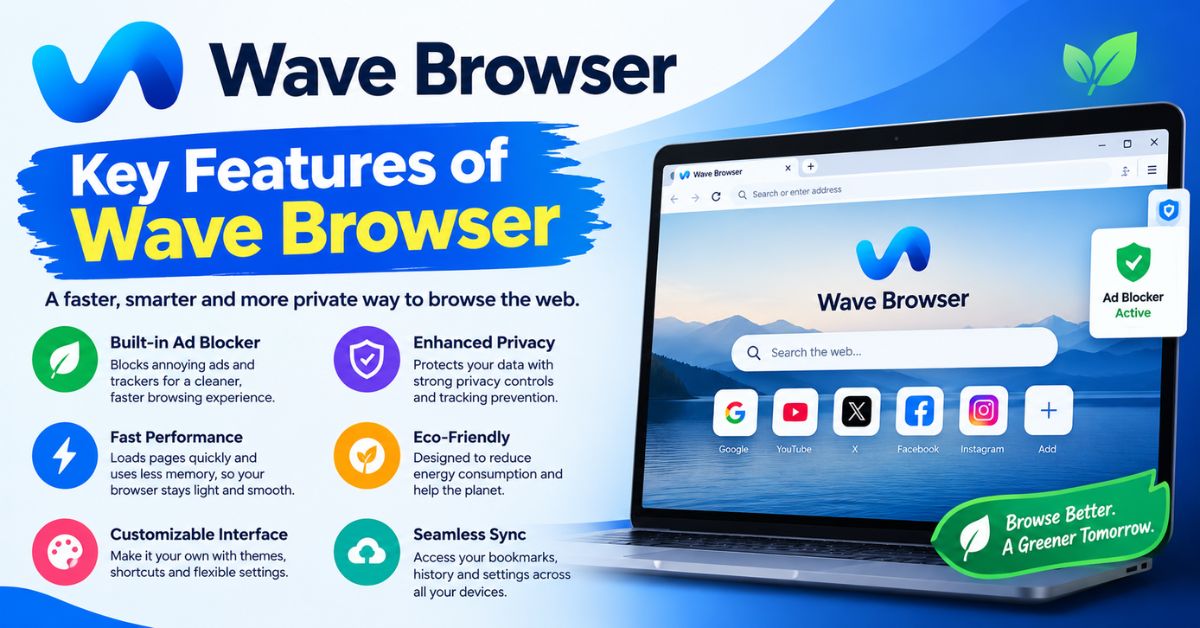
Wave Browser positions itself as a productivity-focused, eco-conscious alternative to mainstream browsers. It bundles several built-in tools instead of requiring extensions, which appeals to users who want a more streamlined setup. Below is a breakdown of what the browser actually offers once installed.
- Built-in sidebar for quick access to apps and tools
- Split-view layout for browsing two pages side by side
- Memory and energy saver modes to reduce resource use
- Integrated package tracker for online shopping
- Chromium engine compatibility with most Chrome extensions
Eco-Friendly Partnership With 4ocean
The eco-angle is central to wave browser’s identity. The company states that browsing activity helps generate funding that supports 4ocean’s cleanup missions. For environmentally minded users, this is the main draw — the idea that a routine browser switch can contribute, even indirectly, to a larger cause. It’s a marketing strategy, but it’s also a real partnership referenced across the brand’s promotional material.
That said, the environmental pitch has drawn some skepticism. Critics point out that the mechanics of how browsing translates into actual cleanup funding aren’t always clearly explained to users. This lack of transparency around the eco-claims feeds into the broader trust issues associated with wave browser, even when the underlying partnership itself is legitimate.
Productivity and Browsing Tools
Beyond the environmental branding, wave browser leans into productivity features that mirror what you’d find in browsers like Opera or Edge. The sidebar and split-view tools let users multitask without juggling multiple windows. For example, someone comparing prices while reading product reviews can view both panels at once instead of switching tabs constantly.
The memory saver feature is aimed at users running older or lower-spec machines. By limiting background resource use, wave browser tries to compete on performance, not just branding. These tools aren’t unique to wave browser, but their combination in a single lightweight package is part of the pitch to potential switchers.
Is Wave Browser Safe? Understanding the PUP Label
This is the question most people are really asking. Security vendors including Malwarebytes have historically classified wave browser as a Potentially Unwanted Program, often abbreviated as PUP. This classification doesn’t necessarily mean the software is malware in the traditional sense, but it does mean it exhibits behaviors that many users find intrusive or unwanted.
The PUP label typically comes from how the software is distributed and how it behaves after installation, not from the app’s core code being malicious. Older or bundled versions of wave browser have been associated with changing default search engine settings, generating pop-up ads, and launching automatically at startup without clear user permission. These behaviors are the primary reason antivirus tools continue to flag it.
Why Security Vendors Flag Wave Browser
Security researchers evaluate software based on consent and transparency, not just intent. When a program installs alongside other software without a clear, separate opt-in, that’s a red flag regardless of what the program actually does. Wave browser has repeatedly triggered this concern because of how it’s frequently packaged with other downloads.
Persistent background processes are another factor. Some users have reported difficulty fully closing wave browser or found it restarting on its own. This kind of aggressive persistence is a classic PUP characteristic, and it’s a major reason wave browser shows up in so many “how do I remove this” forum threads and antivirus scan results.
How Wave Browser Gets Installed
Most people don’t deliberately download wave browser from its official site. Instead, it typically arrives bundled with free software — things like PDF converters, video downloaders, or system utility tools. During installation, the bundled offer is often pre-checked, meaning users install it by simply clicking “Next” too quickly.
This distribution method is legal but widely considered a gray-area practice. It relies on users not reading installation prompts carefully. If you don’t remember choosing wave browser but find it on your system, this bundling process is almost certainly how it got there.
Wave Browser vs Google Chrome: A Quick Comparison
| Feature | Wave Browser | Google Chrome |
|---|---|---|
| Engine | Chromium-based | Chromium-based |
| Built-in sidebar tools | Yes | No (requires extensions) |
| Eco-partnership branding | Yes (4ocean) | No |
| Extension support | Most Chrome extensions | Full Chrome Web Store |
| PUP/adware flags | Historically flagged by some vendors | Not flagged |
| Default install method | Often bundled with freeware | Direct, deliberate download |
| Update transparency | Improving, historically mixed | Well-established |
This table highlights the core trade-off. Wave browser offers a few convenience features Chrome lacks out of the box, but it comes with a distribution and trust history that Chrome doesn’t carry. For most users prioritizing security over novelty features, that difference matters more than the added sidebar tools.
Signs Wave Browser Was Installed Without Your Consent
If you’re not sure whether you chose to install wave browser, a few warning signs can help confirm it slipped in through a bundled download. Recognizing these patterns early makes cleanup faster and reduces the chance of repeated reinstalls.
Checklist — signs of an unwanted install:
- Your default search engine changed without your input
- Your homepage now opens to an unfamiliar page
- You see increased pop-up ads across different sites
- Wave Browser appears in your taskbar or Dock, but you don’t recall installing it
- A recent free software install happened shortly before Wave Browser appeared
- The browser relaunches automatically after you close it
If two or more of these apply, it’s a strong signal that wave browser arrived through bundling rather than a direct choice.
How to Remove Wave Browser From Windows
Removing wave browser from a Windows PC involves more than a standard uninstall, since leftover processes and scheduled tasks can cause it to reappear. Follow these steps in order for a complete removal.
- Open Windows Settings, go to Apps, then Installed Apps (or Programs and Features in Control Panel).
- Locate Wave Browser in the list, click the three-dot menu, and select Uninstall.
- Open Task Manager and look for any active processes named WaveBrowser or Genimous.
- Right-click those processes, choose Open File Location, and delete the remaining folder contents.
- End those tasks in Task Manager once the folders are cleared.
- Press Windows Key + R, type taskschd.msc, and press Enter to open Task Scheduler.
- Search for any scheduled tasks tied to Wave and delete them to prevent reinstallation or relaunch.
Completing all seven steps matters — skipping the Task Scheduler check is one of the most common reasons wave browser seems to “come back” after uninstalling.
How to Remove Wave Browser From Mac
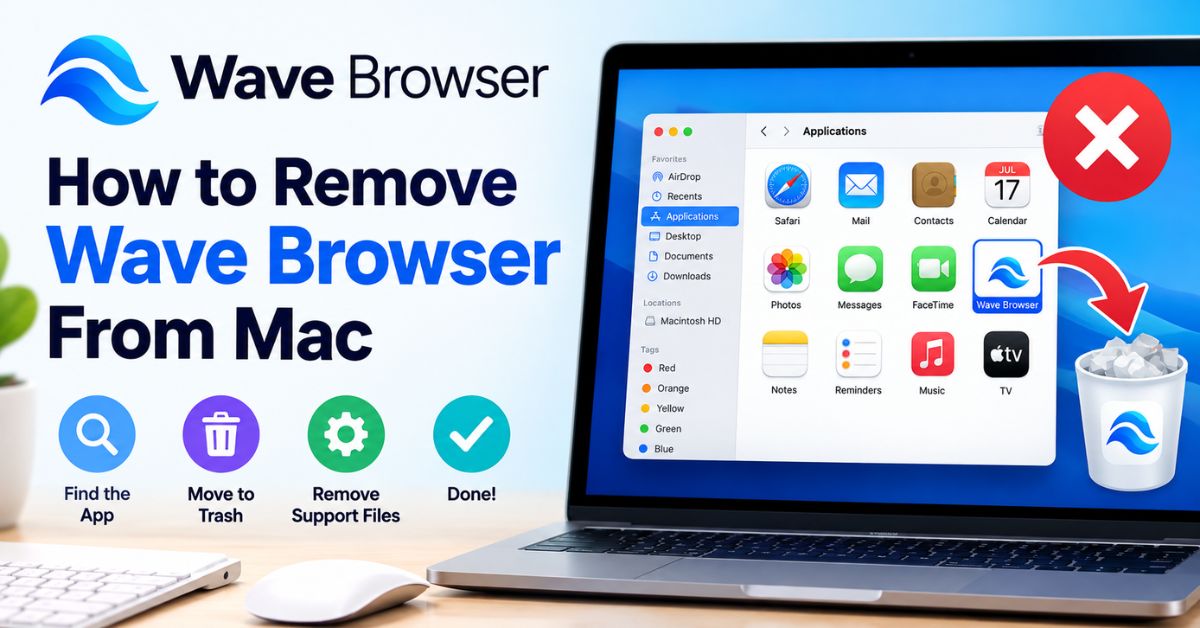
Mac removal follows a different path, but it requires the same attention to leftover files. Here’s how to fully remove wave browser from macOS.
- Click the Wave Browser icon in the Dock and select Quit to force the app closed.
- Open Finder and navigate to the Applications folder.
- Drag the Wave Browser icon into the Trash.
- In Finder, click Go, then Go to Folder, and type ~/Library.
- Check the Application Support, Preferences, and Caches folders for any Wave-related files.
- Delete any remaining Wave folders or files you find.
- Empty the Trash to complete the removal.
Skipping the Library folder cleanup often leaves behind cache files that can affect browser settings even after the main app is deleted.
Should You Keep or Remove Wave Browser?
Whether to keep wave browser really depends on how it got onto your device and how you feel about its trade-offs. If you deliberately chose it for the eco-partnership and productivity tools, and you haven’t noticed unwanted pop-ups or setting changes, it may be a reasonable browser to keep using. Some users genuinely prefer its built-in sidebar and split-view features over installing separate Chrome extensions.
On the other hand, if wave browser appeared without your consent, changed your search settings, or won’t fully close, removal is the safer choice. A browser you didn’t choose and don’t fully trust isn’t worth keeping around just for convenience. When in doubt, most cybersecurity guidance leans toward removing software you can’t clearly account for installing yourself.
Conclusion
Wave browser occupies a genuinely unusual space in the browser market. It markets real environmental partnerships and useful productivity tools, yet it carries a documented history of PUP and adware classifications tied to how it’s distributed. The safest approach is awareness: know how wave browser reached your device, watch for the warning signs of an unwanted install, and don’t hesitate to use the removal steps above if something feels off. Whether you keep wave browser or remove it, making that choice with full information is what actually protects your system.